Introduction
Welcome to the Model Post. This entry serves a dual purpose: it demonstrates the visual styling of our typography and layout, and it documents the technical capabilities of our markdown system.
Note: This entire page is rendered from a single Markdown file.
Typography & Text Formatting
We support extensive text formatting options to ensure your content is expressive and readable.
Emphasis and Styles
- Bold Text: Use
**text**for strong emphasis. - Italic Text: Use
*text*for subtle emphasis. Strikethrough: Use~~text~~to indicate deleted or irrelevant information.Inline Code: Use backticks for technical terms or commands.
Headers
Effective use of headers improves SEO and readability.
H4 Heading
H5 Heading
H6 Heading
Lists & Organization
Unordered List
- Level 1 item
- Level 2 item (indented)
- Level 3 item
- Level 2 item (indented)
- Another level 1 item
Ordered List
- Step One: Initialize
- Step Two: Configure
- Sub-step A
- Sub-step B
- Step Three: Deploy
Task List
- Create the feature branch
- Write documentation
- Submit Pull Request
Code Blocks
We use syntax highlighting for better code readability.
JavaScript Example
// A simple greeting function
function greet(name) {
  return `Hello, ${name}!`;
}

console.log(greet("World"));
CSS Example
.container {
  display: flex;
  justify-content: center;
  align-items: center;
  height: 100vh;
}
Media Integration
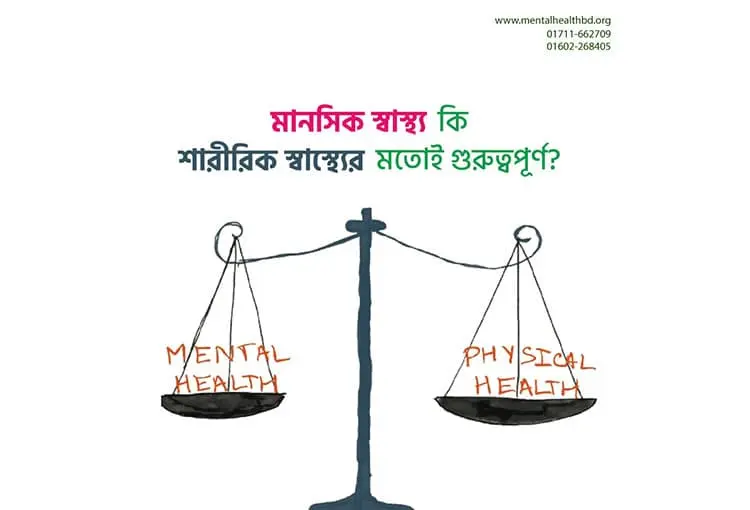
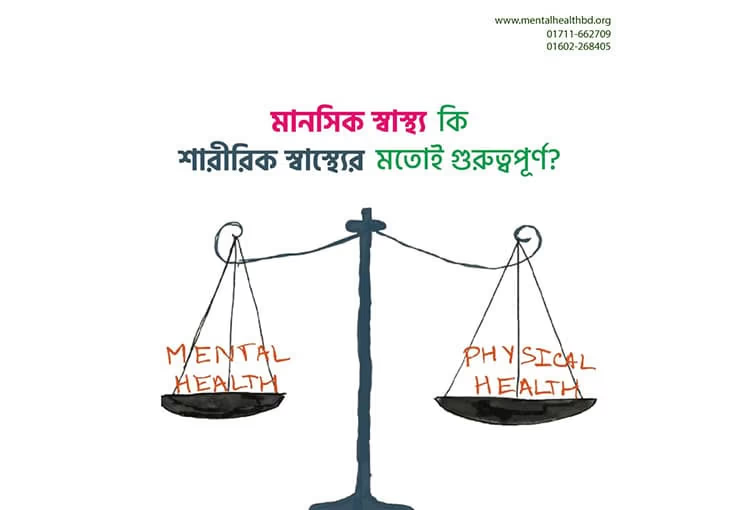
Images are responsive and lazy-loaded by default.
 An abstract representation of structured data.
Tables
Tables are styled for clarity and are responsive on smaller screens.
| Feature | Supported | Notes |
|---|---|---|
| CommonMark | ✅ | Fully compliant |
| GFM Tables | ✅ | GitHub Flavored Markdown |
| Footnotes | ✅ | Auto-linked |
| Custom Components | ⚠️ | Requires Svelte integration |
Blockquotes
Blockquotes are perfect for highlighting key takeaways or citing sources.
“The details are not the details. They make the design.”
— Charles Eames
Interactive Elements
Internal & External Links
- Visit our Homepage (Internal)
- Learn Markdown (External)
Backlinks System
Our system automatically tracks internal links. When you link to another post, this post will appear in that post’s “Backlinks” section.
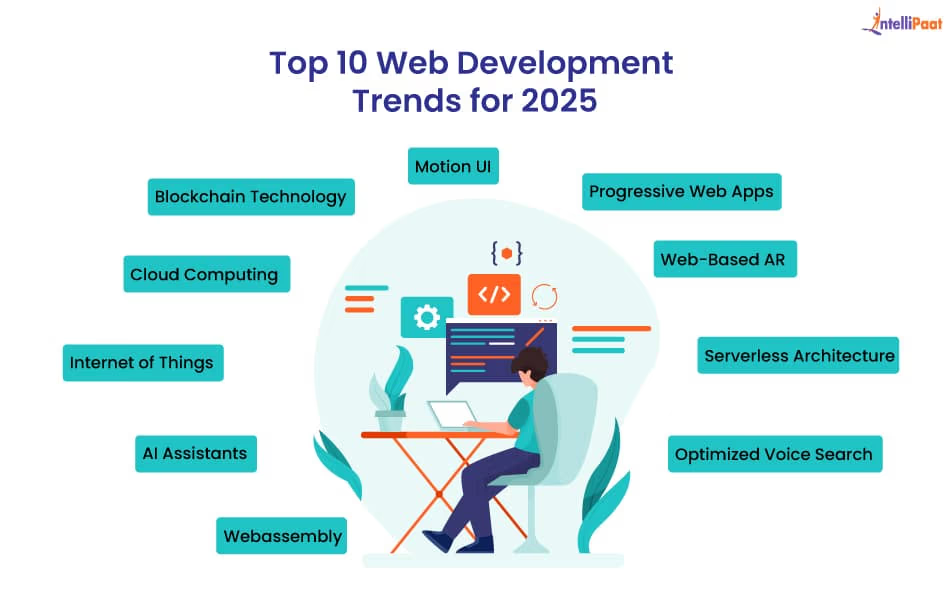
Example: Reading about Web Development Trends 2024 gives more context to this guide.
Format: [Link Text](/target-post-slug)
Footnotes
Here is a sentence that needs a citation[^1]. And here is another one[^2].
[^1]: This is the first footnote. [^2]: This is the second footnote, providing more context.
Conclusion
This post demonstrates the flexibility of our content engine. Whether you are writing technical documentation, a blog post, or a creative piece, these tools allow you to structure your content effectively.
Next Steps
- Copy the source of this file.
- Replace the frontmatter with your metadata.
- Start writing your masterpiece!